
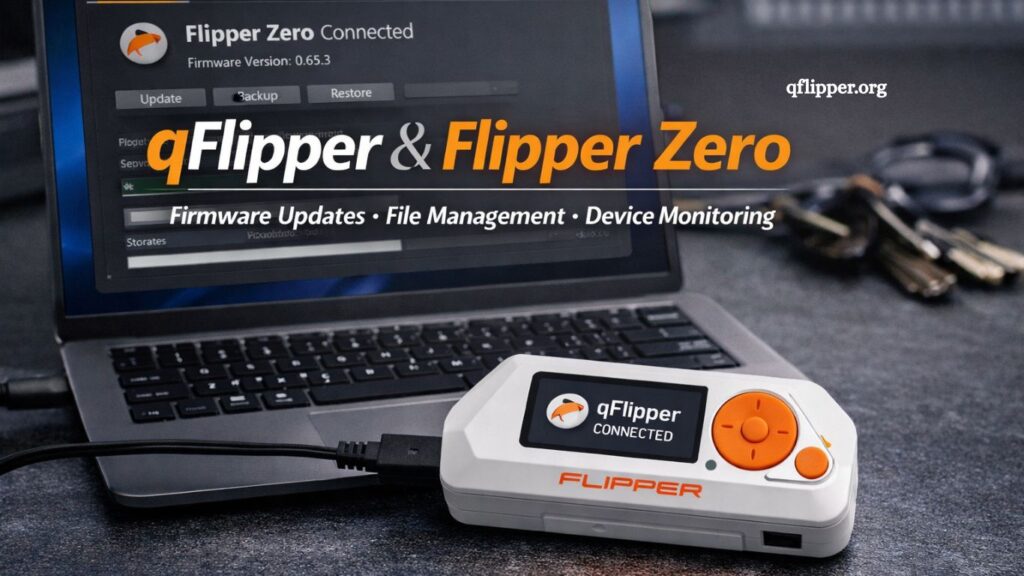
qFlipper is the official desktop companion software for managing and interacting with the Flipper Zero device. It acts as a bridge between a computer and the hardware, enabling users to update firmware, transfer files, and maintain system health. The tool simplifies device management while ensuring the Flipper Zero stays up to date and fully functional across its wide range of capabilities.
Modern hardware tools require efficient software support to perform at their best. qFlipper fulfills that role by providing a streamlined interface that connects users with system updates, storage access, and configuration options in one place.
What is qFlipper?
qFlipper is a cross-platform desktop application developed to support the Flipper Zero ecosystem. It runs on Windows, macOS, and Linux systems. The software allows users to interact directly with the device through a USB connection.
The core purpose of qFlipper revolves around three key functions:
- Firmware updates
- File management
- Device diagnostics
The software ensures that the Flipper Zero remains up to date with the latest features, security patches, and system improvements released by the developers.
Unlike traditional device managers, qFlipper focuses on simplicity and minimal setup. Users connect the device, launch the software, and gain immediate access to control options without the need for technical complexity.
Read More: What Is qFlipper
How qFlipper Works With Flipper Zero
qFlipper operates as a communication interface between a computer and the Flipper Zero device. The connection is made via a USB cable, which establishes a secure data exchange channel.
Once connected, the software automatically detects the device and displays its status. Users can then perform several operations directly from the interface.
Device Recognition
qFlipper identifies the connected Flipper Zero using built-in drivers. This automatic recognition removes the need for manual configuration or additional software installation in most cases.
Data Synchronization
After detection, qFlipper synchronizes data between the device and the computer. This process includes system files, firmware information, and user data stored on the device.
Command Execution
The software sends commands to the Flipper Zero for updates, file transfers, or system checks. The device responds in real time, allowing smooth interaction without delays.
Firmware Management
One of the most important functions includes firmware updates. qFlipper downloads the latest firmware versions and installs them directly onto the device. This process improves performance and adds new features.
Key Features of qFlipper
qFlipper includes several features designed to improve usability and performance management for the Flipper Zero ecosystem.
Firmware Updates
The software simplifies firmware installation. Users do not need manual flashing tools or command-line processes. One-click updates ensure the device stays current with official releases.
File System Access
qFlipper provides direct access to the Flipper Zero’s internal storage. Users can upload, delete, or organize files efficiently.
Backup and Restore
The application supports data backup and recovery. Important configurations and files can be saved to a computer and restored when needed.
Device Information Panel
The interface displays detailed system information, including firmware version, storage usage, and hardware status. This feature helps users monitor device health.
Cross-Platform Support
qFlipper works across multiple operating systems, ensuring accessibility for a wide user base. The interface remains consistent across platforms.
How to Connect Flipper Zero to qFlipper
Connecting the Flipper Zero to qFlipper is simple.
Step 1: Install qFlipper
Download the official qFlipper application from the Flipper ecosystem website and install it on your computer.
Step 2: Connect Device
Use a USB cable to connect the Flipper Zero to the computer. Ensure the cable supports both power and data transfer.
Step 3: Launch Application
Open qFlipper after connecting the device. The software automatically detects the hardware.
Step 4: Begin Interaction
Access firmware updates, file management tools, or system information directly from the interface.
This streamlined process eliminates complex setup procedures and ensures immediate usability.
Benefits of Using qFlipper
qFlipper enhances the overall user experience by simplifying device management and improving system reliability.
Simplified Updates
Firmware installation becomes a one-click process. Users avoid the risks of manual flashing and reduce the chance of errors.
Improved Device Control
Direct access to the file system allows full control over stored data. Users manage files without needing external tools.
Better System Stability
Regular updates through qFlipper improve device performance and reduce bugs. Stability increases with each official firmware release.
Time Efficiency
Automated detection and streamlined interface reduce the time required for maintenance tasks.
Enhanced User Experience
Clear layout design and intuitive controls make qFlipper accessible even for users with limited technical knowledge.
Troubleshooting Common Issues
Users may occasionally face connection or update issues. qFlipper provides solutions for the most common problems.
Device Not Detected
Loose USB connections or faulty cables often cause detection issues. Reconnecting the device or changing the cable usually resolves the problem.
Update Failure
An interrupted internet connection or insufficient storage may lead to update failures. Restarting the process after ensuring stable connectivity helps resolve the issue.
Driver Issues
Some systems may require additional drivers. Installing official drivers ensures proper communication between the device and the software.
Slow Performance
Outdated software versions may reduce efficiency. Keeping qFlipper updated ensures optimal performance.
Security Aspects of qFlipper
qFlipper maintains a secure communication channel between the computer and the Flipper Zero. Data transfer occurs locally through USB, reducing exposure to external threats.
Official firmware updates ensure that only verified software components are installed on the device. This reduces the risk of unofficial modifications or corrupted files.
Role of qFlipper in the Flipper Ecosystem
qFlipper plays a central role in supporting the Flipper Zero ecosystem. It acts as the primary management tool for updates, maintenance, and file handling.
Without qFlipper, users would rely on manual processes that increase complexity and risk. The software ensures consistency, reliability, and ease of use across all supported platforms.
Future Development Potential
Continuous development of qFlipper suggests future enhancements to automation, cloud integration, and expanded device-control features. Improvements may include faster update systems, advanced diagnostics, and deeper customization options.
The evolving nature of the Flipper Zero ecosystem ensures that qFlipper will remain an essential tool for users seeking efficient device management.
Frequently Asked Questions
What is qFlipper used for?
qFlipper is used to manage the Flipper Zero device, including firmware updates, file transfers, and system monitoring through a desktop app.
Is qFlipper necessary for Flipper Zero?
qFlipper is not mandatory for basic use, but it is essential for updates, backups, and advanced device management.
Which operating systems support qFlipper?
qFlipper supports Windows, macOS, and Linux, offering a consistent interface across all major desktop platforms.
How do I connect Flipper Zero to qFlipper?
Connect the Flipper Zero to a computer using a USB cable, then launch qFlipper to automatically detect and manage the device.
Can qFlipper update Flipper Zero firmware?
Yes, qFlipper downloads and installs official firmware updates directly, ensuring the device stays current and secure.
Does qFlipper allow file transfers?
qFlipper provides full file system access, allowing users to upload, download, and organize files on the Flipper Zero.
Is qFlipper safe to use?
qFlipper is an official software designed for secure communication with the Flipper Zero, using trusted firmware and local USB connections.
Conclusion
qFlipper functions as the official desktop companion for the Flipper Zero, enabling smooth firmware updates, secure file management, and reliable device monitoring. Its simple interface removes technical barriers and supports efficient control across Windows, macOS, and Linux systems. Regular use ensures improved performance, system stability, and access to the latest features, making qFlipper an essential tool for maintaining and optimizing the Flipper Zero ecosystem.